Website Migration Project Plan

A website migration project plan sets the phases, timeline, owners, and sign-offs that move your website to a new platform. This is the plan our delivery team runs on every migration, refined over 50+ projects. The biggest call comes in week one: do you launch everything at once, or one brand, market, or section at a time? Copy the plan as a Google Sheet, free and without signing up.

Last updated| Reviewed by Michelle Jantulíková, Project ManagerFive phases, kickoff to launch

Notum developers reviewing a website migration on their laptops

Website Migration Plan at a Glance

Five phases in a fixed order. The first three plan and prepare, so the build starts with every question answered. In phase four, the work runs in parallel tracks, and parts of your website can go live before the rest. Phase five is the final launch, and it overlaps with the last sprint.

✓You sign off before the next phase starts
ReleaseA part of your website goes live early
Not to scale. How long the build runs depends on your scope.
Timeline

How Long Does a Website Migration Take?

A single-brand website takes about three months from signed contract to launch. Discovery and setup take 4.5–7.5 weeks of that. The build is the part that stretches or shrinks with your scope. Before our starter templates and AI tooling, projects like this took us three to six months.

Typical scope: one brand, up to about 20 page templates, scripted content migration, and standard integrations. On a project that size, your team spends 14–25 days on it in total.

Phase Typical length Your team’s time
1. Kickoff 1–3 days 2–3 days
2. Discovery and Scoping 3–5 weeks Together with kickoff
3. Setup (Sprint Zero) 1.5–2.5 weeks About 1 day
4. Build and Migrate About 5–8 weeks 8–16 days
5. Launch 7 days before to 3 days after the switch, overlapping the last sprint 3–5 days

What makes the build longer

  • More templates and content types
  • Integrations nobody documented
  • A redesign instead of a rebuild
  • Every extra language or market
  • Hidden functionality, like search or filtering, that nobody listed up front

What you control

  • How fast you sign off. We cap design at two review rounds.
  • Access to your current website and data from day one
  • A content freeze that holds

The Five Phases of a Website Migration Project

For each phase: what it’s for, who’s in the room, how much of your time it takes, and what you sign off before the next one starts. The tasks inside each phase are in the plan template.

1

Kickoff

1–3 days

Everyone starts with the same picture: goals, scope, timeline, and who decides what.

Who’s involved

From Notum, a project manager and a tech lead. From your side, a product owner and whoever approves scope and budget.

Your time

A 2–3 hour kickoff, plus a review of the project charter. Kickoff and discovery together take about 2–3 days of your team’s time.

You sign off
  • A project charter with goals, scope, and assumptions
  • One person who makes decisions for your side
  • Access to your current website and data
  • Whether you launch all at once or in parts
  • Who moves existing content and who writes new content
Watch out for: expectations that differ from the offer. We go through the scope and assumptions with you at the kickoff, one by one.
2

Discovery and Scoping

3–5 weeks

Turn your business goals into a plan the team can build from: requirements, designs, architecture, and a backlog.

Who’s involved

From Notum, a project manager, a tech lead, a UX designer, and usually a tester, who plans which tests will run automatically. From your side, the product owner, a content owner, and the people who know your current website best.

Your time

About 2–3 days, together with kickoff. You join the workshops, the content audit, and the SEO strategy session. Discovery ends with a meeting where we present the results to you.

You sign off
  • Requirements
  • Designs for the first sprints, in up to two review rounds
  • The content model and technical architecture
  • Which content moves, and how
  • The roadmap and the backlog for the first sprints
  • The final scope, timeline, and architecture, plus an MVP or proof of concept if the project needs one
Watch out for: underestimating the migration. It’s the easiest part to get wrong, so we audit the content in week one and keep a buffer in the estimate.
3

Setup (Sprint Zero)

1.5–2.5 weeks

We build the foundation: Strapi or Payload, a Next.js frontend from our starter, dev and staging environments, and automatic deploys. When the first sprint starts, nothing is waiting on setup.

Who’s involved

From Notum, the tech lead and the dev team. From your side, IT, for access and hosting.

Your time

About 1 day, mostly access and one hosting decision.

You sign off
  • Where Strapi or Payload runs
  • Access to your environments, if the new website connects to them
  • Staging, where you see the work from now on
  • The go-ahead to start building
Watch out for: missing logins. We collect every access during discovery, so setup never stalls on one.
4

Build and Migrate

About 5–8 weeks

The longest phase. We build in sprints, test as we go, and show you the work at a demo after every sprint. Four tracks run in parallel:

  • Content model, roles, and locales
  • A fast Next.js frontend, rebuilt or redesigned
  • CRM, ERP, analytics, search, and forms
  • Content migration by script, checked against the source
Who’s involved

From Notum, the tech lead, developers, QA, and UX. From your side, the product owner, your content team, and stakeholders.

Your time

About 8–16 days in total. Every sprint, a session to confirm priorities and a demo to accept the work. Near the end, user acceptance testing and a content review on staging take the most time.

You sign off
  • Each sprint’s work, at the demo
  • User acceptance testing
  • The migrated content, on staging
  • Every partial release, before it goes live
Watch out for: content that changes while we migrate it. The content freeze starts before the migration does. The full migration steps are in the website migration checklist.
5

Launch

7 days before, 3 after

Freeze the content, run the final checks, switch, and watch the new website for 72 hours before anyone calls it done.

Who’s involved

From Notum, the project manager, the tech lead, and QA. From your side, the product owner and anyone who approves the switch.

Your time

About 3–5 days. That covers a 1–2 hour go/no-go meeting the day before, a check of the live website within 2 hours of the switch, and a final sign-off at 72 hours.

You sign off
  • Go or no-go, the day before
  • The live website, within 2 hours of the switch
  • The final sign-off at 72 hours: stable analytics, no SEO issues, and no critical bugs
Watch out for: an empty room on launch day. We confirm your team’s availability at least three days ahead. Launch week day by day, plus the fallback plan, is in the website migration checklist.

Big-Bang Launch or Phased Rollout?

A big-bang launch moves your whole website in one switch. A phased rollout launches one part at a time while the rest keeps running on the old platform. Neither one is safer by default. It depends on what you're moving, and you decide in week one, because a phased rollout changes how we prepare every release after it.

Big-bang launch

Build everything→One freeze→One switch→72 h watch
  • One content freeze, one launch, and one fallback plan
  • If something breaks, you switch back the whole website
  • The old platform retires soon after launch

Phased rollout

Build a part→Freeze→Switch→Next partRepeat for each part→Final launch

Every part runs its own mini release: build, freeze, switch. Then the next part starts.

  • Every release gets its own backup, fallback plan, and at least 24 hours of monitoring
  • If something breaks, you switch back only that part
  • Old and new platforms run side by side until the last release

When Each One Makes Sense

A big-bang launch fits when

  • You have one website, one market, and one person who signs off
  • Sections share templates, navigation, and search, so splitting them means building temporary bridges between old and new
  • Your old platform has a hard end date, like a licence renewal, and there's no time to run both
  • You can freeze all content for 1–2 weeks without blocking marketing

A phased rollout fits when

  • You run several brands, markets, or languages
  • You want part of the website live before the full scope is ready
  • The website earns money every hour, and switching all of it back isn't an option
  • Each site or market has its own team and its own sign-off

Phasing has a price. Both platforms run longer, your editors may work in two systems for a while, and every release needs its own preparation. For a multi-brand website, it's usually worth it.

How to Split a Phased Rollout

Pick the split that follows how your teams already work. If every brand has its own team, split by brand. If one team runs several markets, split by market.

Do you run several brands?
Yes →
Split by brand, pilot first
↓ No
One brand in several markets or languages?
Yes →
Split by market
↓ No
Do you want some sections live before the rest?
Yes →
Split by section, lowest risk first
↓ No
Do content types have different owners?
Yes →
Split by content type
↓ No
Launch all at once

By brand

The pilot brand gets the shared content model and components. Every brand after it reuses them, so later launches go faster.

By market

Each market signs off its own content. Language links between pages have to work while some markets still run on the old website.

By section

The most common split. Start where the risk is lowest, often the blog, then product pages, categories, and the homepage last. Your navigation links old and new pages for a while. Redirects change with every release, so test them each time. More in the website migration SEO guide.

By content type

Editors work in two CMSs until the last release. Agree up front where urgent changes go during a freeze: old system, new system, or both.

Phased rollout

What Every Partial Release Needs

A partial release is a small launch inside the build phase: build the part, freeze its content, switch it over, then move on to the next part. It follows the same rules as the final launch, applied to the part that goes live.

1

The launch requirements apply to the part that goes live

2

We back up production before every release

3

Every release has a fallback plan. Usually it's the same plan, unless the part works differently: a customer portal needs its own, a blog doesn't.

4

Everyone knows what's live and what isn't yet

5

We monitor each release for at least 24 hours

6

The rest of the build carries on alongside it

A partial release doesn't replace the final launch. Phase five still happens for everything that's left.

Copy the Website Migration Plan Template

The whole plan in one Google Sheet: phases and weeks, who's responsible for what, a log of every sign-off, and a rollout tab for each release. Make a copy, fill it in, and share it with your team. You don't need to sign up.

Copy the Plan (Google Sheet)

Refined Over 50+ Migrations, Including These

Every phase and sign-off in this plan is here because a real project needed it. When a project teaches us something new, the plan changes.

Laptop with opened Lokalise website on the screen
WordPress
Strapi

Lokalise moves from WordPress to Strapi

30%

Faster site

27

WP plugins removed
Read Case Study
Two ships
Sitecore
Strapi

Scenic Group’s Migration from Sitecore to Strapi

+28%

‍

Faster Interaction to Next Paint

85→100

SEO Health Score
Read Case Study
Laptop with opened optitrack website on the screen
Legacy CMS
Payload

OptiTrack: Payload CMS Commerce Platform

6+

Systems integrated

90%

Fewer accessibility issues
Read Case Study
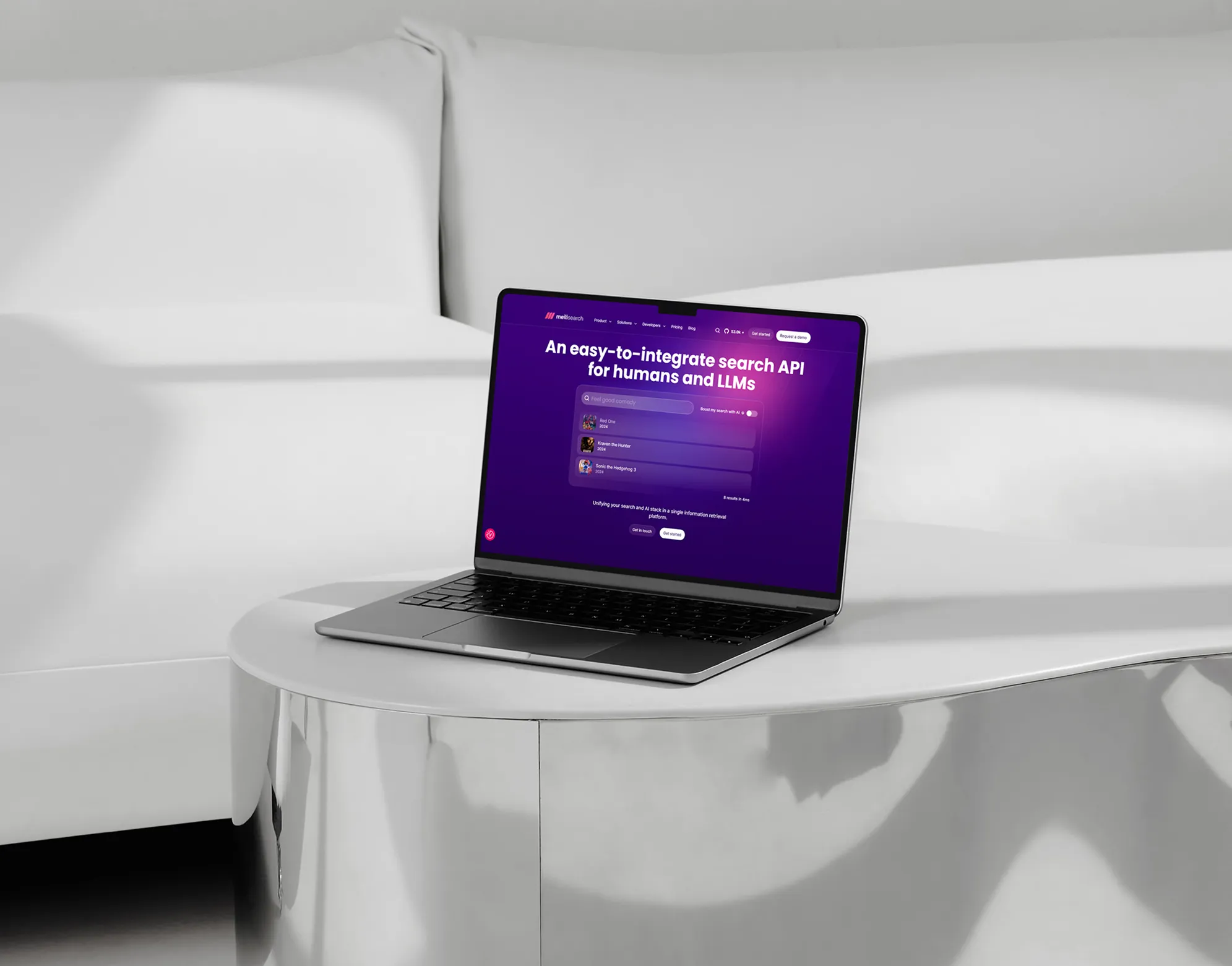
Laptop with opened Meilisearch website on the screen
Ghost
Strapi

How We Helped Meilisearch to Get the Most Out of Strapi

65 to 98

Lighthouse speed

v5

Migration to new Strapi
Read Case Study
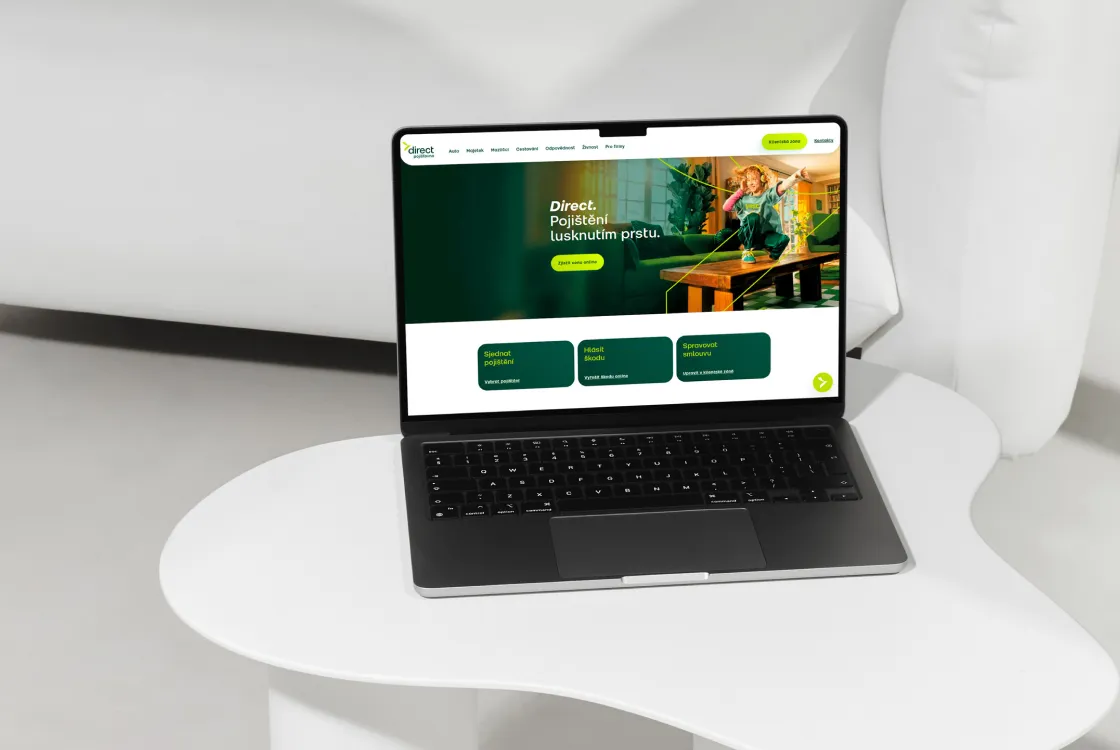
Laptop with opened Direct website on the screen
Legacy CMS
Strapi

Direct Insurance: 5 Sites Unified on Strapi

80%

Less developer time

67%

Increased content creation speed
Read Case Study
See All CMS Case Studies

Website Migration Project Plan FAQ

How do you plan a website migration project?

Start with a kickoff that sets goals, scope, and one person who signs off. Spend 3–5 weeks on discovery to audit the content, design the architecture, and build a backlog. Then set up the platform, build and migrate in sprints, and launch. Decide in week one whether you launch all at once or in parts.

How long does a website migration take?

A single-brand website takes about three months from signed contract to launch. Discovery and setup take 4.5–7.5 weeks of that. The build depends on your templates, integrations, and languages, and on whether you redesign.

What are the phases of a CMS migration?

Kickoff, discovery and scoping, setup, build and migrate, and launch. Content migration happens inside the build phase, alongside the frontend and the integrations.

Should we launch all our websites at once?

If you run several standalone brands or markets, usually not. Launch a pilot first, then the rest one at a time. Issues you catch on the pilot get fixed once, for every site that follows. And if a release goes wrong, you can switch that release back without touching the others.

Can the old and new CMS run in parallel?

Not for your visitors, unless you roll out in phases. At launch, only one website is public. The other stays up but hidden, ready as a fallback until the new one has proven itself. In a phased rollout, the parts already released run on the new CMS while the rest still runs on the old one, so agree where urgent content changes go in the meantime.

Who from our team needs to be involved?

A product owner who makes decisions, a content owner, someone from IT for access and hosting, and the stakeholders who approve designs and the launch. On a single-brand website, your team spends 14–25 days on the project in total, most of it during the build.

What do we sign off, and when?

The project charter at kickoff, the architecture and backlog after discovery, and the go-ahead to build after setup. During the build, you accept each sprint at its demo and the migrated content on staging. After launch, you sign off the live website at 2 hours and again at 72 hours.

How much does a website migration cost?

It depends on your scope, so you get a precise price after discovery. For a first estimate without a call, see the headless CMS migration page.

Let's Get Started

Contact form
Not in the mood to type? Book a call instead.

We’ll find out what your team needs, together. Book on Calendly.

Hi, Notum here.
Step 1

Send us a message or schedule a call.

Step 2

Discuss your needs in a 25 min free call.

Step 3

Get a quote from us within 3 days.

Get in Touch

Submit
Thank you! Your submission has been received!
Oops! Something went wrong while submitting the form.

You can also e-mail us at sales@notum.cz or book a meeting directly in our calendar.